

Python: Minimal DLSS#
This example renders ovrtx-robot-lineup.usda with DLSS
disabled, DLSS Super Resolution, or DLSS Ray Reconstruction. It can display
the image in Rerun, save a recording, or save a PNG. The camera, shading mode,
and 1280 × 720 output resolution stay the same across configurations.
Shadows are disabled to keep the small robots visible inside the warehouse.
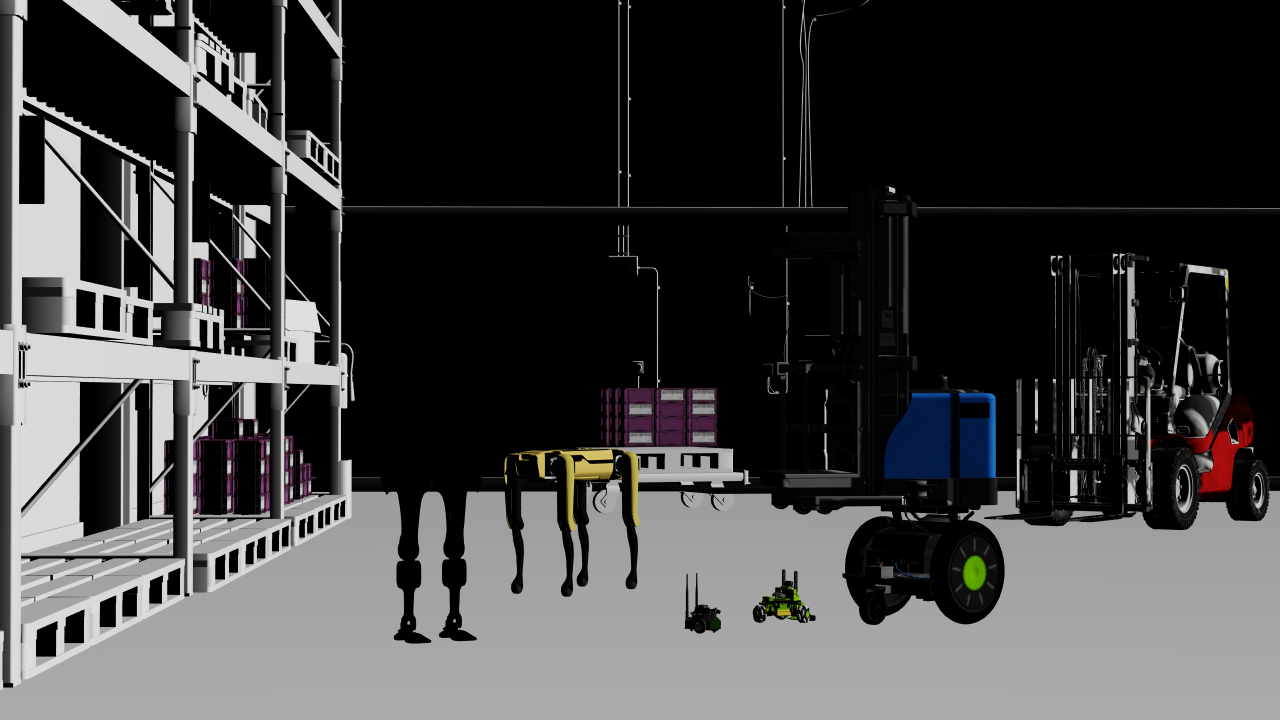
The example’s final frame with DLSS-SR and Quality after 32 frames.#
Internet access is required to load the scene’s robot and warehouse assets. Run the example from its project directory:
cd examples/python/minimal-dlss
uv run main.py
uv run main.py --dlss-mode 0 --no-rr --png _output/none.png
uv run main.py --dlss-mode 1 --exec-mode quality --no-rr --png _output/sr.png
uv run main.py --dlss-mode 2 --exec-mode quality --no-rr --png _output/rr.png
uv run main.py --dlss-mode 1 --exec-mode rtxaa --no-rr --png _output/dlaa.png
uv run main.py --rrd _output/minimal-dlss.rrd
The default is DLSS-SR with Quality, rendered for 32 frames. Use --frames
to change the capture point. DLSS uses temporal history, so an early frame
can differ from an image captured after several frames. This scene illustrates
edge reconstruction and texture detail; it does not contain Gaussian splats.
Use --log PATH to save renderer diagnostics. Use --usd PATH to render
another scene that defines /World/Camera and a /Render/Camera
RenderProduct with an LdrColor RenderVar; the documentation tests use it
with a local scene that needs no internet access.
--exec-mode accepts auto, performance, balanced, quality,
and rtxaa. See Anti-Aliasing and DLSS for their effects.
The snippet below loads the scene with the selected RenderProduct settings, renders consecutive frames, and copies LdrColor to CPU memory for display or saving. Renderer and stage setup, argument parsing, and image output are in the complete example.
# Compose the scene with the selected settings on its RenderProduct.
# --usd swaps in a scene that defines /World/Camera and /Render/Camera with LdrColor.
scene_path = (args.usd or Path(__file__).with_name("minimal_dlss.usda")).resolve()
scene = f"""#usda 1.0
(
    subLayers = [@{scene_path.as_posix()}@]
)
over "Render"
{{
    over "Camera"
    {{
        int omni:rtx:minimal:dlss:mode = {args.dlss_mode}
        token omni:rtx:minimal:dlss:execMode = "{args.exec_mode}"
    }}
}}
"""
ordinal = 1
ovstage.population.open_usd_from_string(stage, scene, ordinal=ordinal)
stage.advance_write_floor(ordinal, ovstage.Scope.ALL).wait()

# Keep the renderer alive across frames so DLSS can build temporal history.
for frame_index in range(args.frames):
    products = renderer.step(
        render_products={"/Render/Camera"},
        delta_time=1.0 / 60.0,
        ordinal=ordinal,
    )
    for frame in products["/Render/Camera"].frames:
        mapped = frame.render_vars["/Render/Camera/LdrColor"].map(device=ovrtx.Device.CPU)
        pixels = np.from_dlpack(mapped).copy()
        mapped.unmap()
        del mapped, frame
    del products
See Anti-Aliasing and DLSS for the available settings and their effects.